
Accessibility is not the layer you add after the product is designed. It is one of the ways you know the product was designed well in the first place. Axe-Con sharpened that point for me: inclusive products come from decisions made throughout research, interaction design, content, design systems, engineering, and QA—not from a final automated scan.
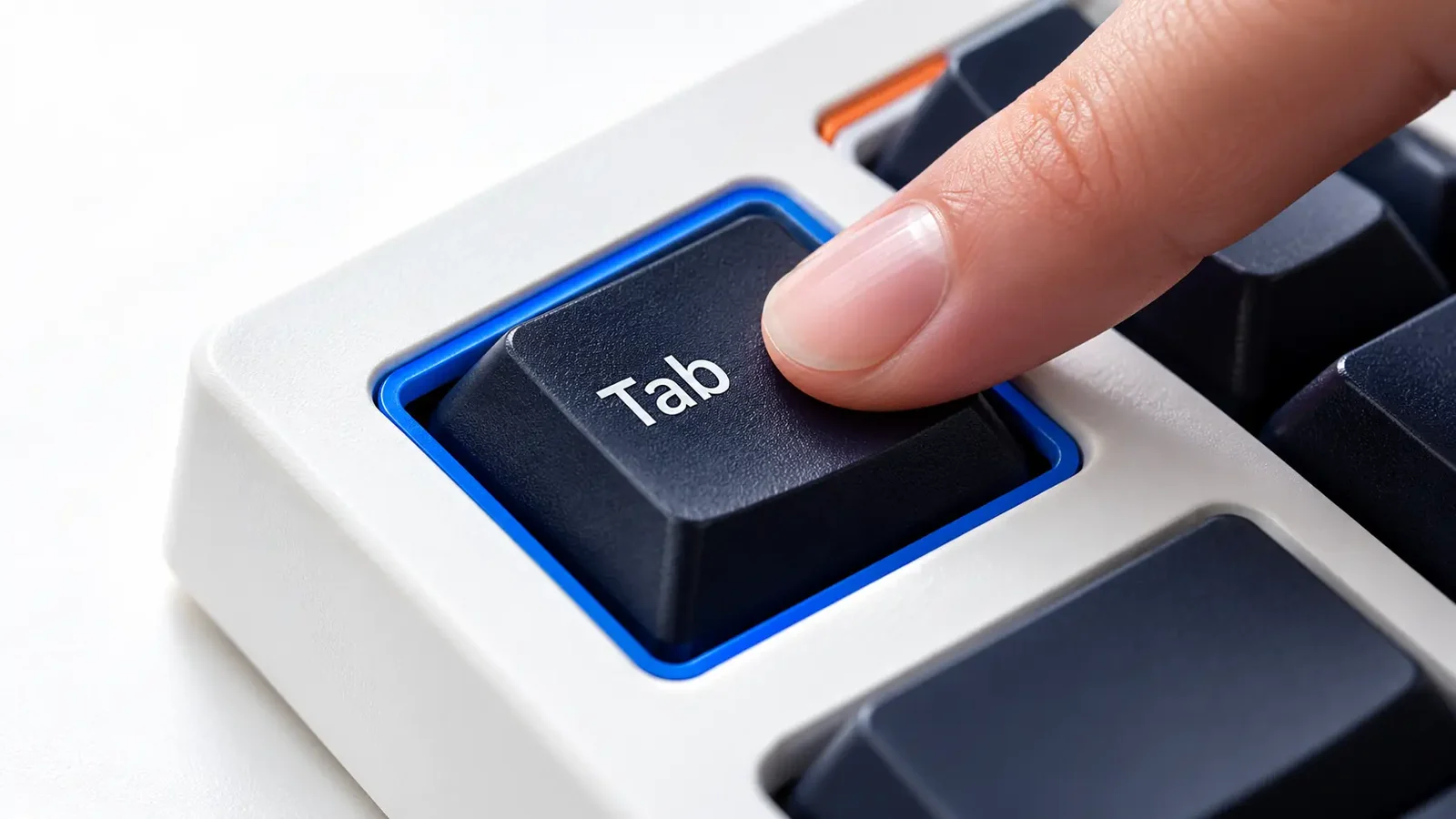
Teams sometimes separate accessibility from “core UX,” as though keyboard behaviour, readable content, clear focus states, understandable errors, and sufficient contrast are specialist concerns. They are not. They are properties of a usable interface.
This matters even more in enterprise products, where users may spend hours inside dense workflows. A small interaction problem repeated dozens of times becomes a serious usability problem. Accessibility forces us to examine those details with greater discipline.
The most scalable accessibility work happens at the system level. If a button, input, modal, table, notification, or navigation pattern has accessible behaviour defined once and implemented correctly, every team using that component starts from a stronger baseline.
That means design-system documentation should cover more than appearance. Components need states, keyboard expectations, focus behaviour, semantic intent, responsive behaviour, content guidance, and clear rules about when a pattern should—or should not—be used.
Accessibility becomes much harder when every product team invents those decisions independently.
Automated tools are extremely useful. They can surface missing attributes, contrast failures, structural issues, and other detectable problems quickly enough to become part of everyday development and QA.
But a clean automated report does not prove that an experience is accessible. A tool cannot fully judge whether instructions make sense, whether the reading order matches the intended task, whether an error is understandable in context, or whether a complex workflow is genuinely usable with assistive technology.
I use automation as one layer of evidence—not as permission to stop testing.
Accessibility problems often hide between the polished frames: loading, validation, empty states, errors, disabled controls, dynamic updates, confirmation messages, keyboard focus after an action, or what happens when content grows beyond the happy path.
For designers, this is a strong reason to document behaviour explicitly. A component that looks accessible in a static mockup can fail as soon as it becomes interactive.
Motion can establish hierarchy and communicate change, but it should never become a requirement for understanding the interface. Product teams should respect reduced-motion preferences and avoid interactions that create unnecessary movement, disorientation, or loss of control.
The useful question is not “Can we animate this?” It is “What information is the motion communicating, and is there an equally clear experience without it?”
Colour is powerful, but status, validation, selection, warnings, and success states should remain understandable without relying on colour perception alone. Labels, icons, patterns, borders, position, and clear language can reinforce meaning.
This is a design-system issue as much as a screen-level issue. Once status patterns are standardized, teams no longer need to rediscover the same accessibility decision feature by feature.
Some accessibility decisions begin in design; many become real only in code. Semantic HTML, focus management, announcements, keyboard interaction, responsive behaviour, and assistive-technology compatibility require close collaboration with engineering.
That changes the handoff conversation. Instead of delivering a visual specification and expecting accessibility to emerge during implementation, designers and developers should agree on the intended behaviour while the interaction is still being shaped.
AI can help generate test cases, review documentation, suggest alternative copy, expose missing states, or explain technical accessibility requirements in a form different disciplines can use. That can reduce coordination overhead.
It can also produce plausible but incorrect guidance. The same rule I use elsewhere in AI-augmented product work applies here: use the machine to widen and accelerate the thinking loop, then validate consequential decisions against standards, implementation reality, and human experience.
The strongest accessibility practice is not a heroic cleanup before launch. It is a product team that has made inclusive behaviour ordinary enough to be part of how the system works.
